GPS Operator User Guide: Contents
Connect a tracker, use the live map and trip history, create reports, configure notifications and manage your GPS Operator account.

This guide explains how to use our monitoring service: connect a tracker, work with the live map and trip history, create reports, configure notifications and manage your account.
The available sections, plans, currencies and payment methods depend on your plan and account settings. If a menu item described in the guide is unavailable, contact our support team.
New to the service? Start with chapters 1–5. If we have already created your account and connected the tracker, you can go directly to the live map.
Getting started
- Getting started Understand trackers, monitored objects and trips. Choose the right path for a ready-to-use account or a tracker you need to connect yourself.
- Sign-in, registration and account recovery Sign in to your account, create one when self-registration is available, confirm it and recover access.
- Connecting a tracker Add the correct model and identifier, use the connection details shown in your account and verify that the first coordinates have arrived.
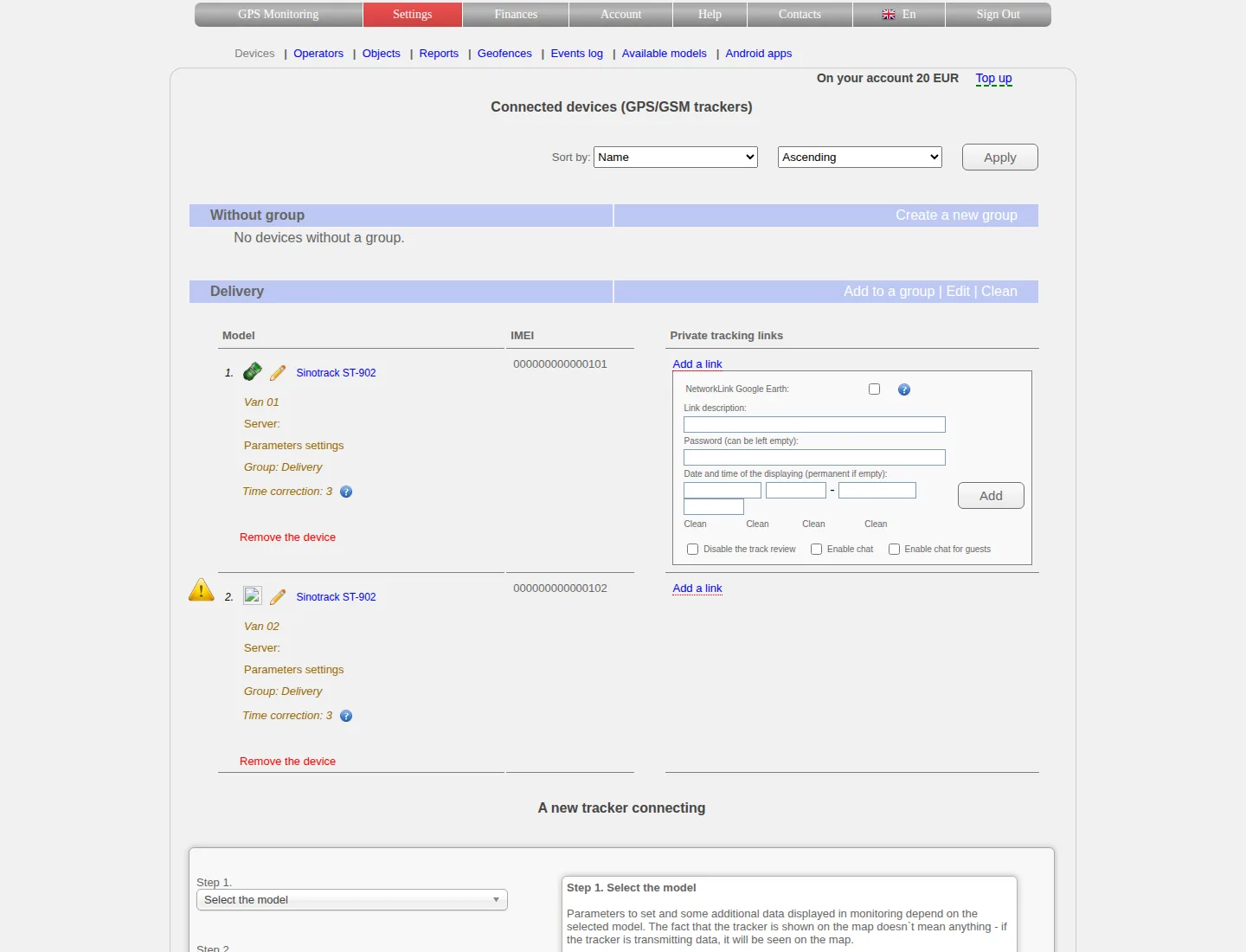
- Device settings and management Change a device name, icon and time zone, understand its service status and remove a device safely.
Maps and trips
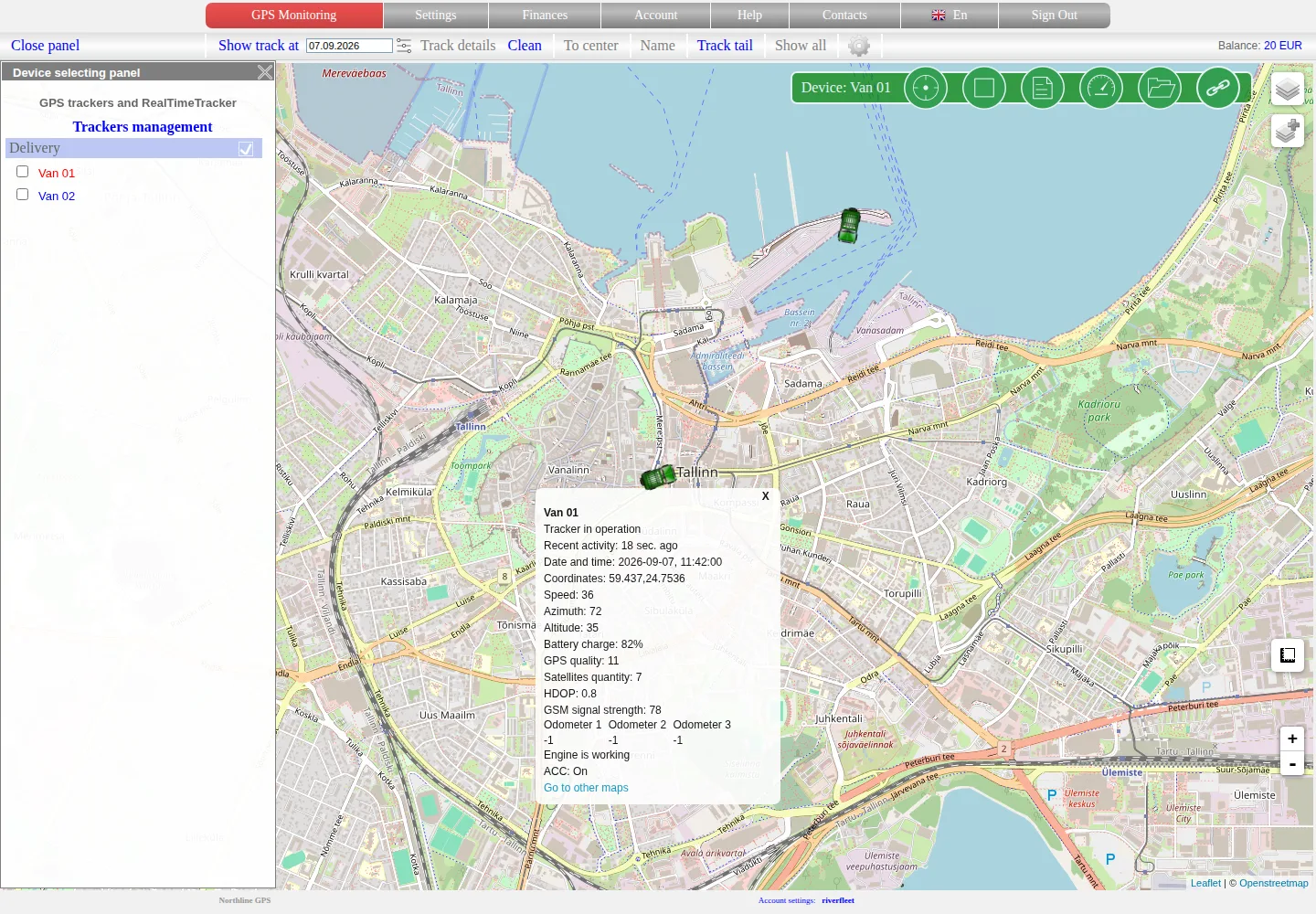
- Live monitoring on the map Select one or several objects, read their current status and data time, and distinguish a recent position from an old or missing one.
- Trip history Find movement for a day, a continuous period or selected dates, review stops and investigate gaps in the track.
- Analysing, exporting and deleting history Use detailed points, playback, charts and filters; export a trip and understand the consequences before deleting stored data.
- Device groups and sorting Organise a larger fleet, arrange the device list and select a group on the map.
- Sharing access and tracking links Share selected objects without disclosing your account password, restrict the period and history, and revoke access when it is no longer needed.
Reports and notifications
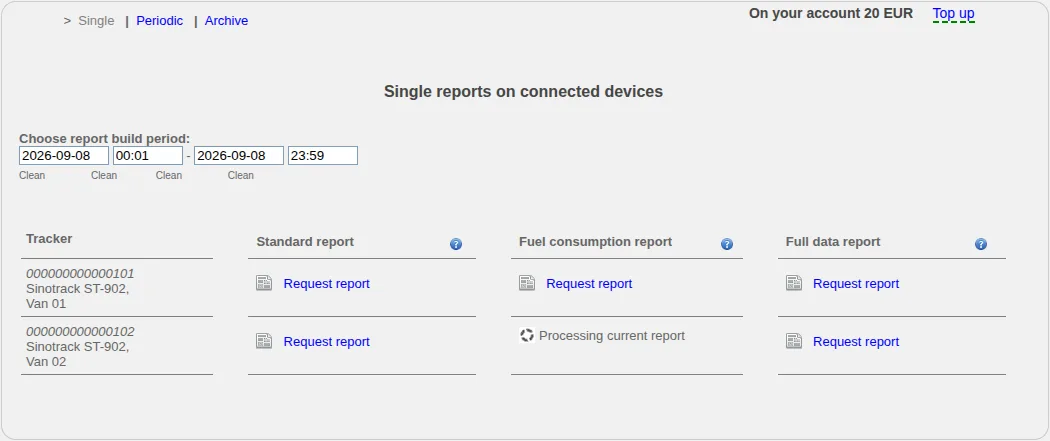
- One-off and scheduled reports Create a report, follow its preparation status, download the result and configure a recurring report when this feature is available.
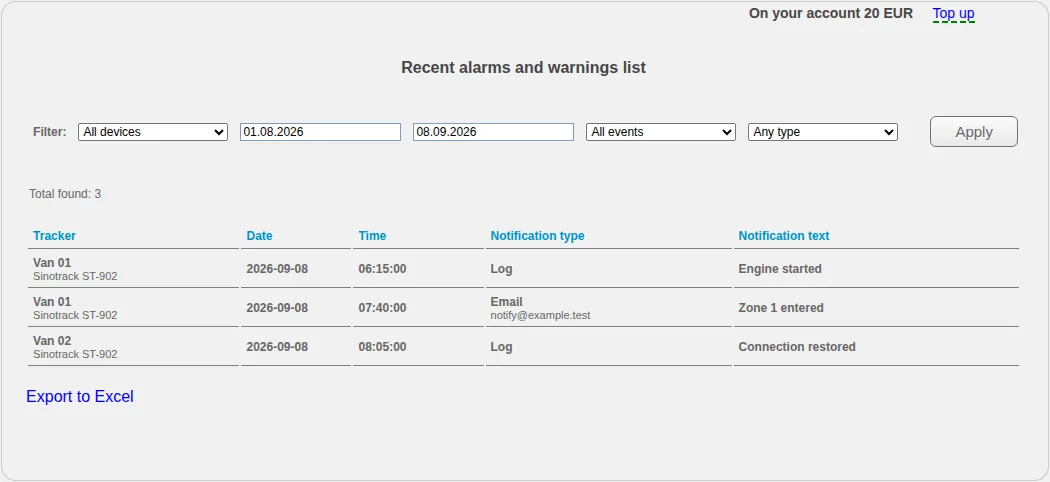
- Event log Filter recorded events, review their details and export the current selection.
- Geofences and object proximity Create rectangular geofences on the map and configure separate proximity rules between trackers or stationary objects.
- Notification settings Confirm contact details, choose events and delivery channels, adjust the no-data timeout and disable rules you no longer need.
Account and payments
- Account, contacts and security Update personal and company details, notification contacts, password, session duration and concurrent sign-in settings.
- Balance, plans and payments Review your plan and account currency, estimate future charges, add funds using an available method, inspect payment and spending history, and resolve a restricted device.
Additional features and help
- Using a smartphone Use the mobile website and distinguish a monitoring application from an application that turns a phone into a tracker.
- Troubleshooting Check common causes when you cannot sign in, a tracker is missing or offline, a trip or report is empty, a notification is absent or a payment has not appeared.
- Embedded maps and external applications Embed a permitted tracking view on another website and use supported KML or external viewing options.
Find the right section
- You have just received an account: chapters 1 and 5.
- You need to connect a tracker: chapters 3 and 4.
- The tracker is visible but its position is wrong or missing: chapters 5, 6 and 17.
- You need a trip, file or report: chapters 6, 7 and 10.
- You want alerts or location rules: chapters 11–13.
- You need to share a map: chapters 8, 9 and 18.
- You have a question about charges or account access: chapters 14, 15 and 17.
For device-specific commands, SIM card settings, invoices and payment issues, use the Help or Contacts section of our website. Do not send passwords, complete payment card details or unrestricted tracking links in a support request.
Related articles
Embedded maps and external applications
Embed a restricted tracking view, use current KML or NetworkLink access, test browser and application compatibility and revoke the underlying link.
Live monitoring on the map
Select an object, read its latest data correctly and distinguish a fresh position, an old point and a tracker without coordinates.
One-off and scheduled reports
Create one-off or scheduled reports, follow asynchronous processing in the archive and verify objects, periods and available fields.
Event log
Filter recorded events by object, type and period, export the list and distinguish event recognition from notification delivery.
Comments
Sign in to comment.
No comments yet.