
GPS Operator: User Guide
GPS tracking made clear: connect a tracker, find objects on the map, review trips, set up alerts and create reports. Step-by-step instructions for everyday use.
Channel selection
Latest publications
Troubleshooting
Check sign-in, devices, coordinates, time, history, reports, notifications and payments without deleting data, resetting hardware or exposing secrets.
Embedded maps and external applications
Embed a restricted tracking view, use current KML or NetworkLink access, test browser and application compatibility and revoke the underlying link.
Using a smartphone
Use a mobile browser safely, distinguish viewing from phone tracking and verify the exact app, OS permissions and background behaviour currently supported.
Balance, plans and payments
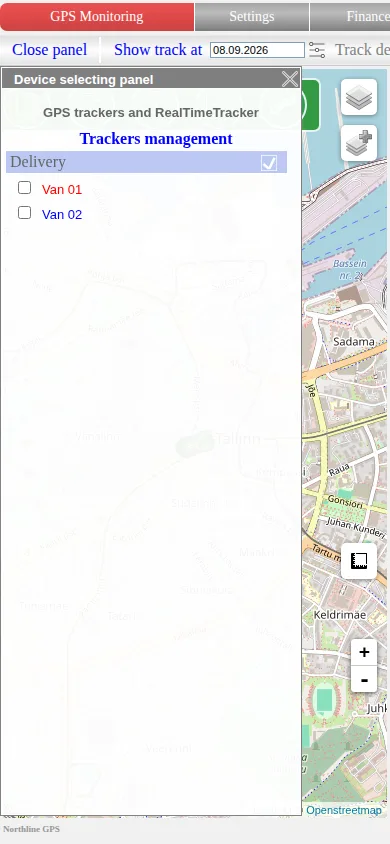
Check plan and currency, use current top-up methods, calculator and invoices, read operation history and reactivate devices without relying on old prices.
Account, contacts and security
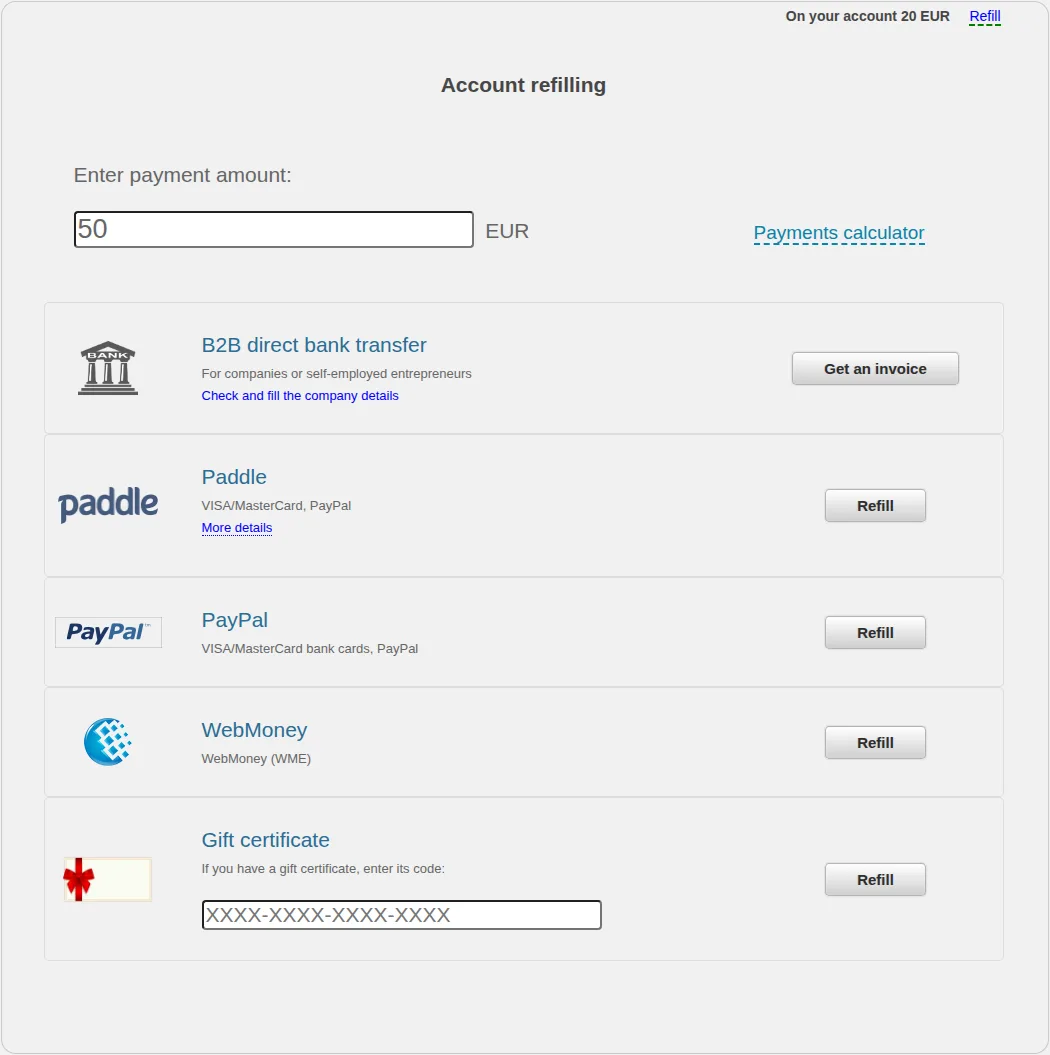
Update profile and organisation details, review notification contacts, change the password and choose safer session and concurrent-login settings.
Notification settings
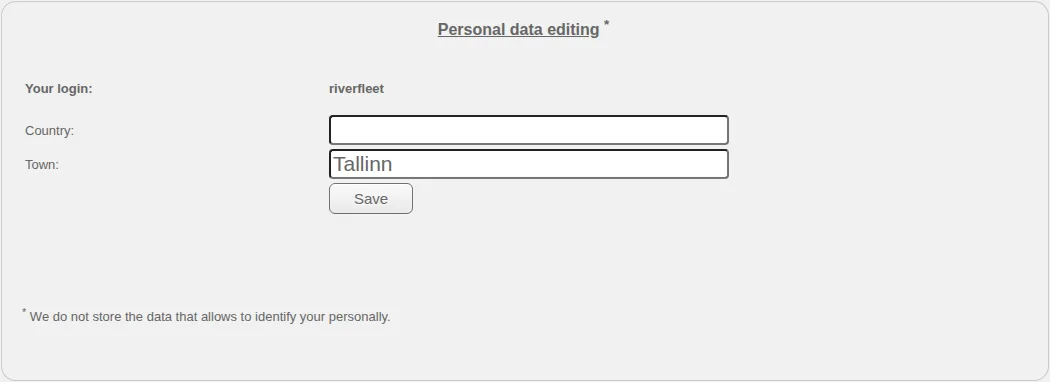
Verify contacts, choose a device, event and available channel, understand immediate field saving and diagnose recognition separately from delivery.
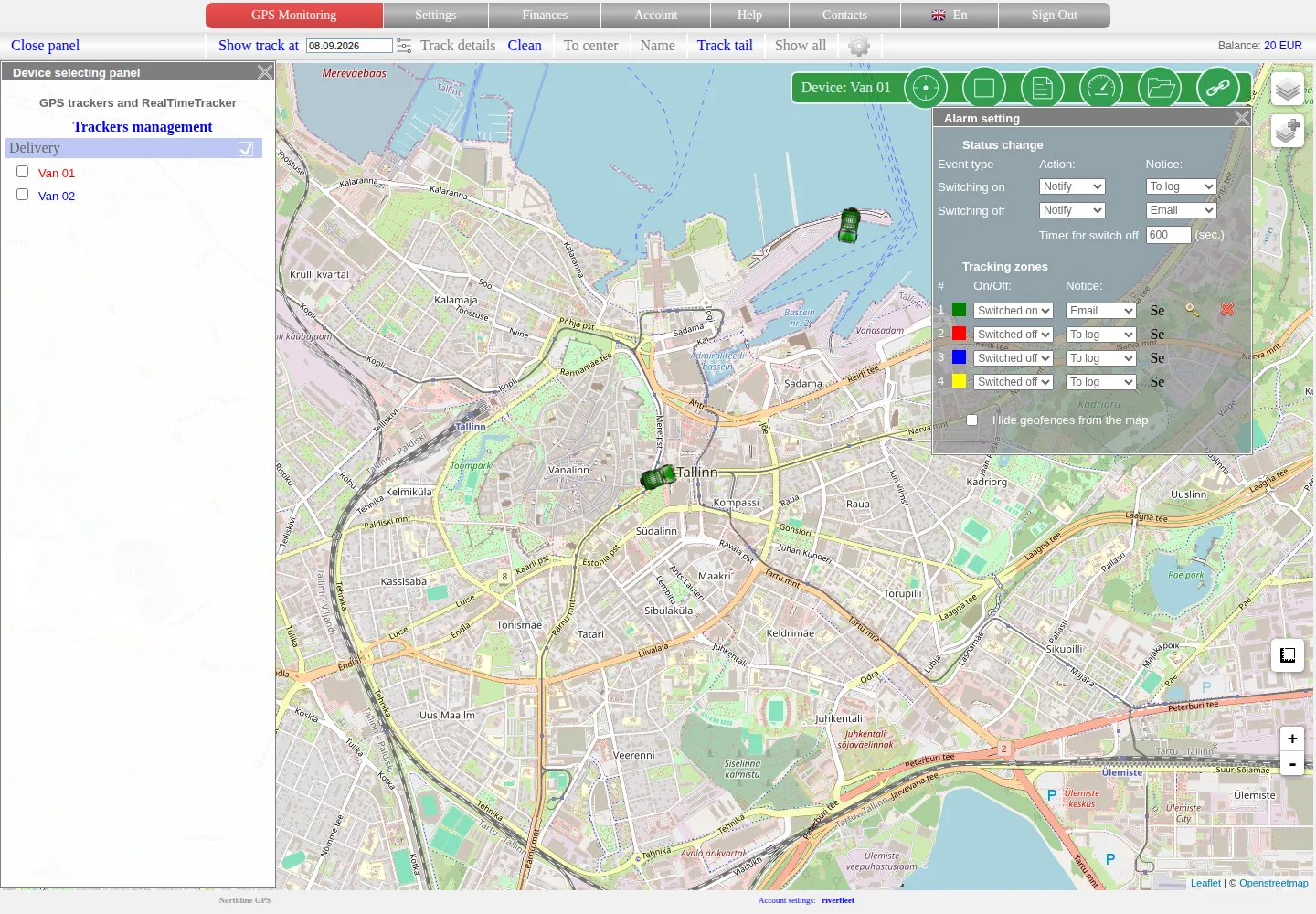
Geofences and object proximity
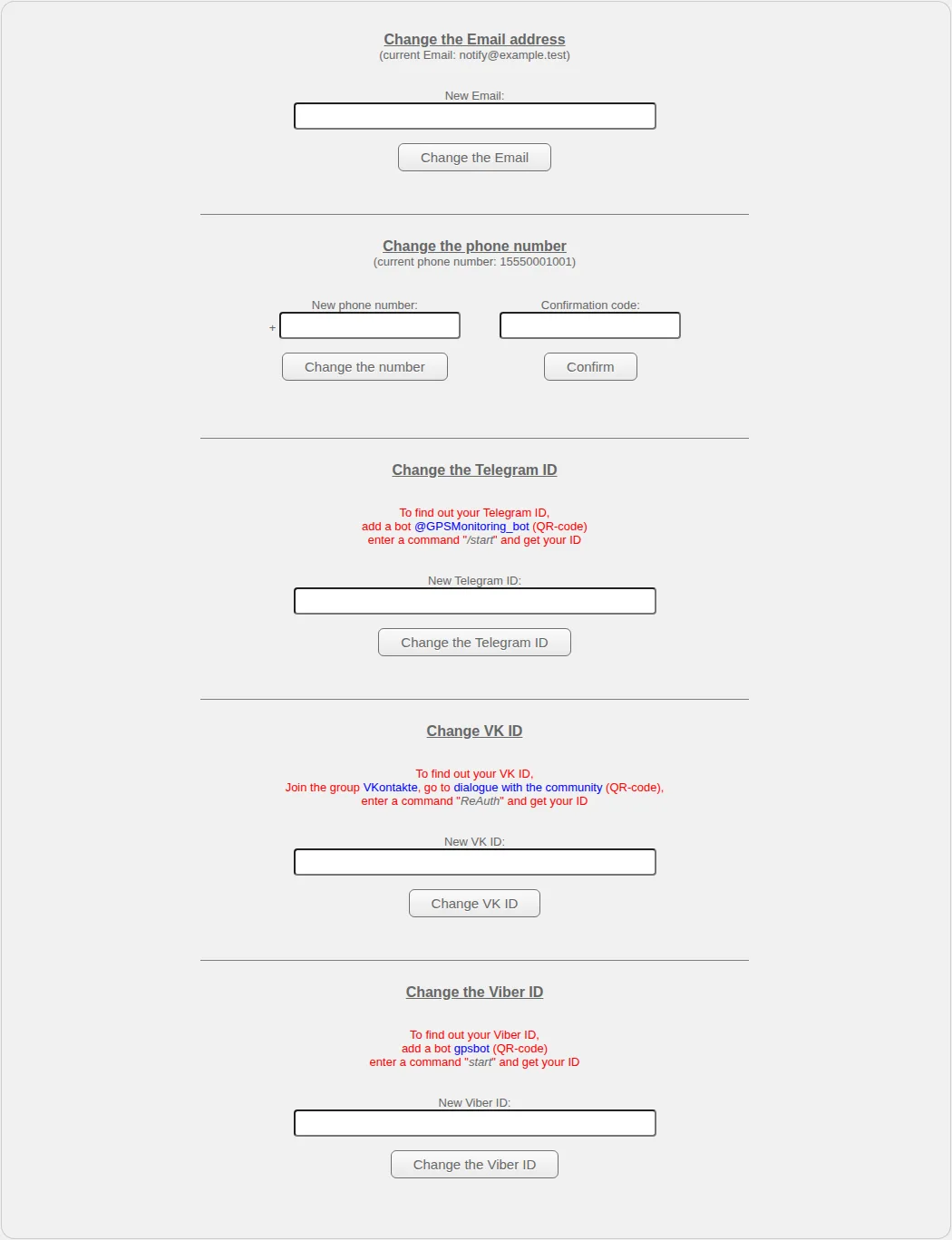
Configure up to four rectangular map zones, distinguish display from rule state and set supported tracker or stationary-object proximity conditions.
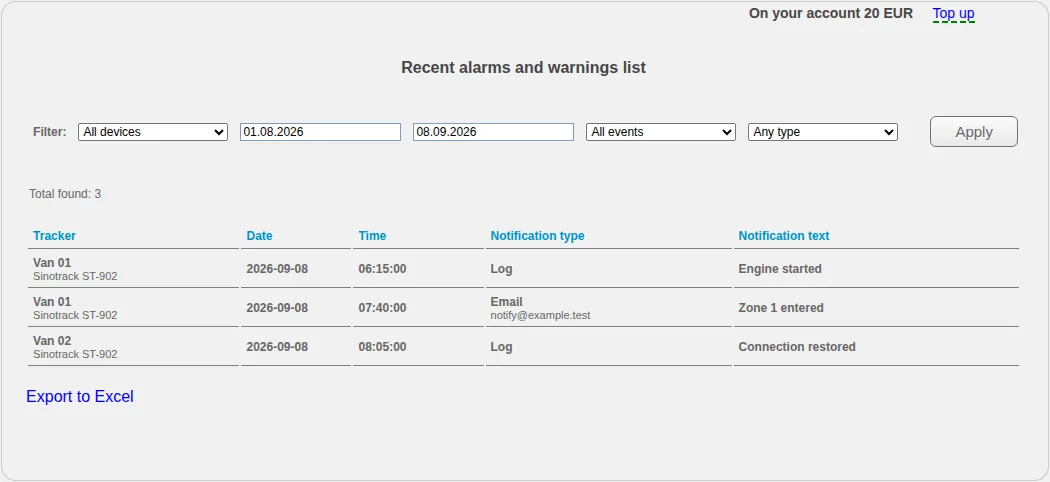
Event log
Filter recorded events by object, type and period, export the list and distinguish event recognition from notification delivery.
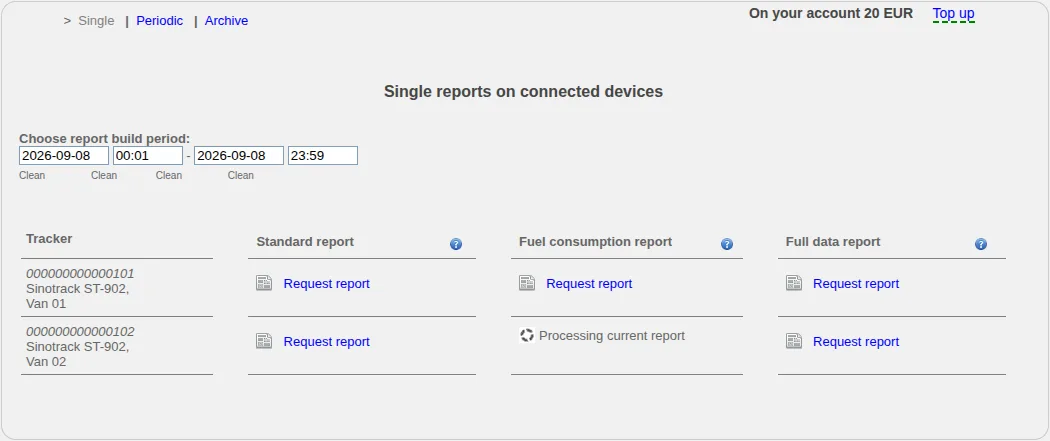
One-off and scheduled reports
Create one-off or scheduled reports, follow asynchronous processing in the archive and verify objects, periods and available fields.
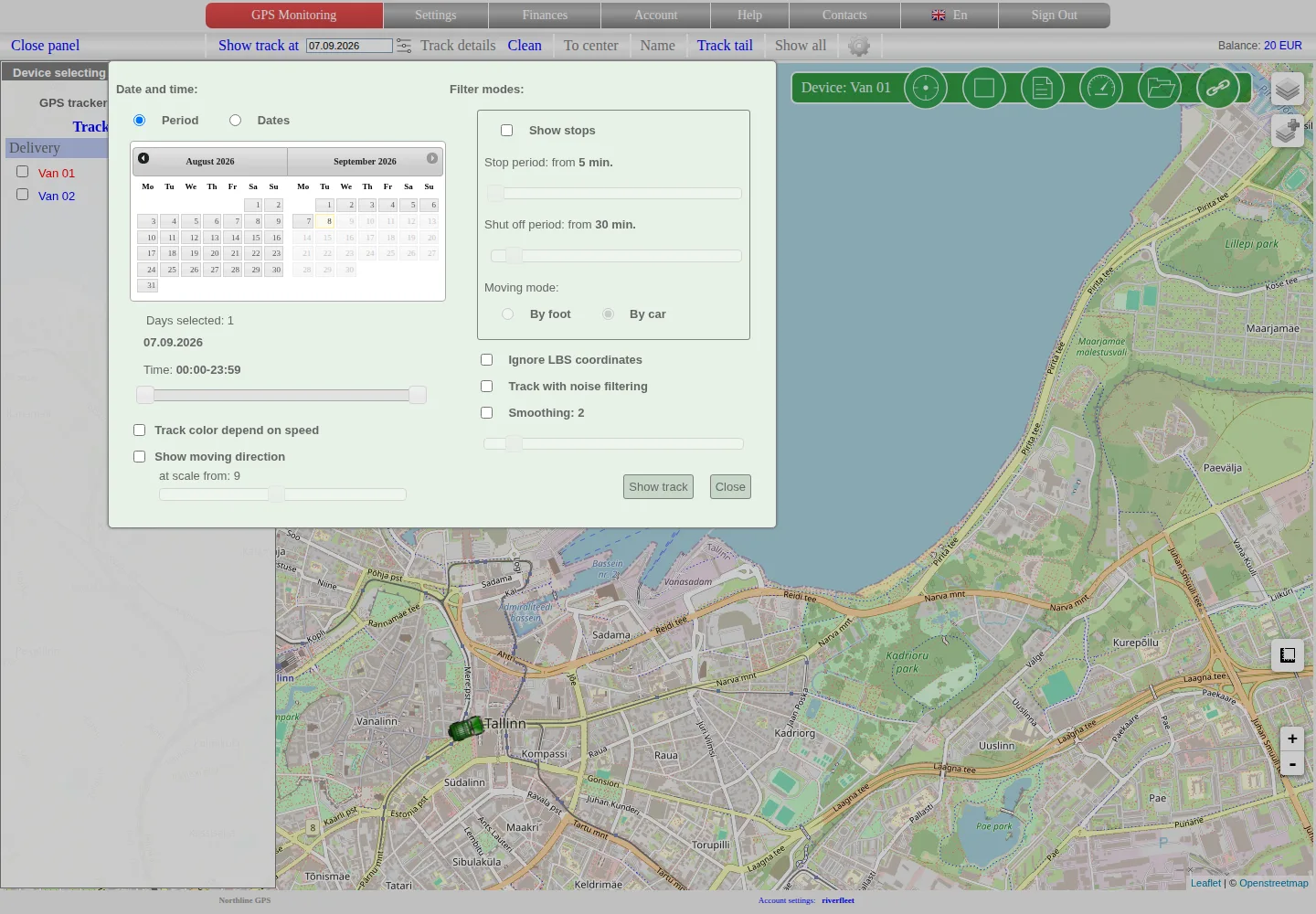
Trip history
Select a device, date mode and time range, build its stored track and interpret calculated stops and multi-day limitations correctly.
Sharing access and tracking links
Create individual or multi-object operator links, restrict them by password, time and history access, test them and revoke them safely.
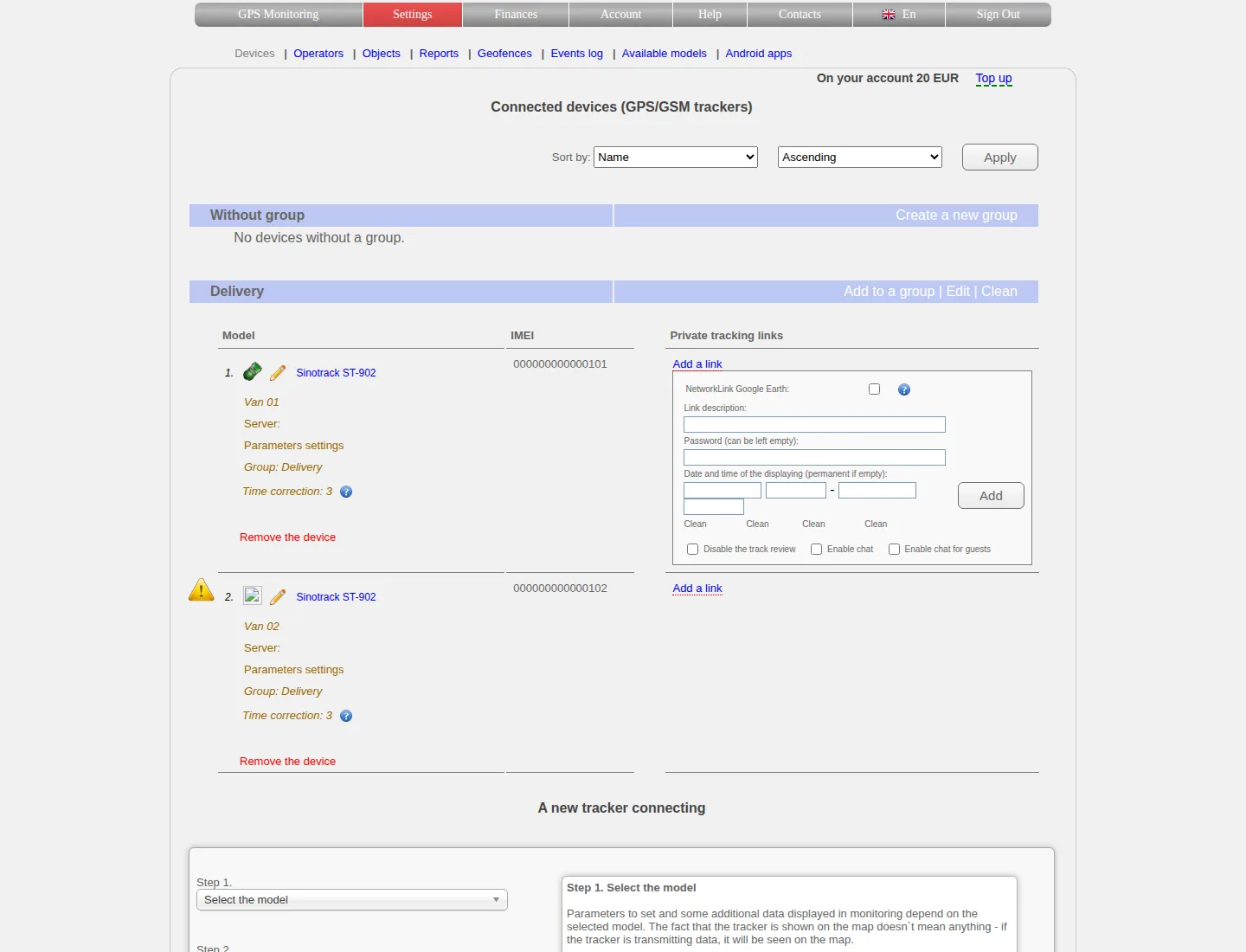
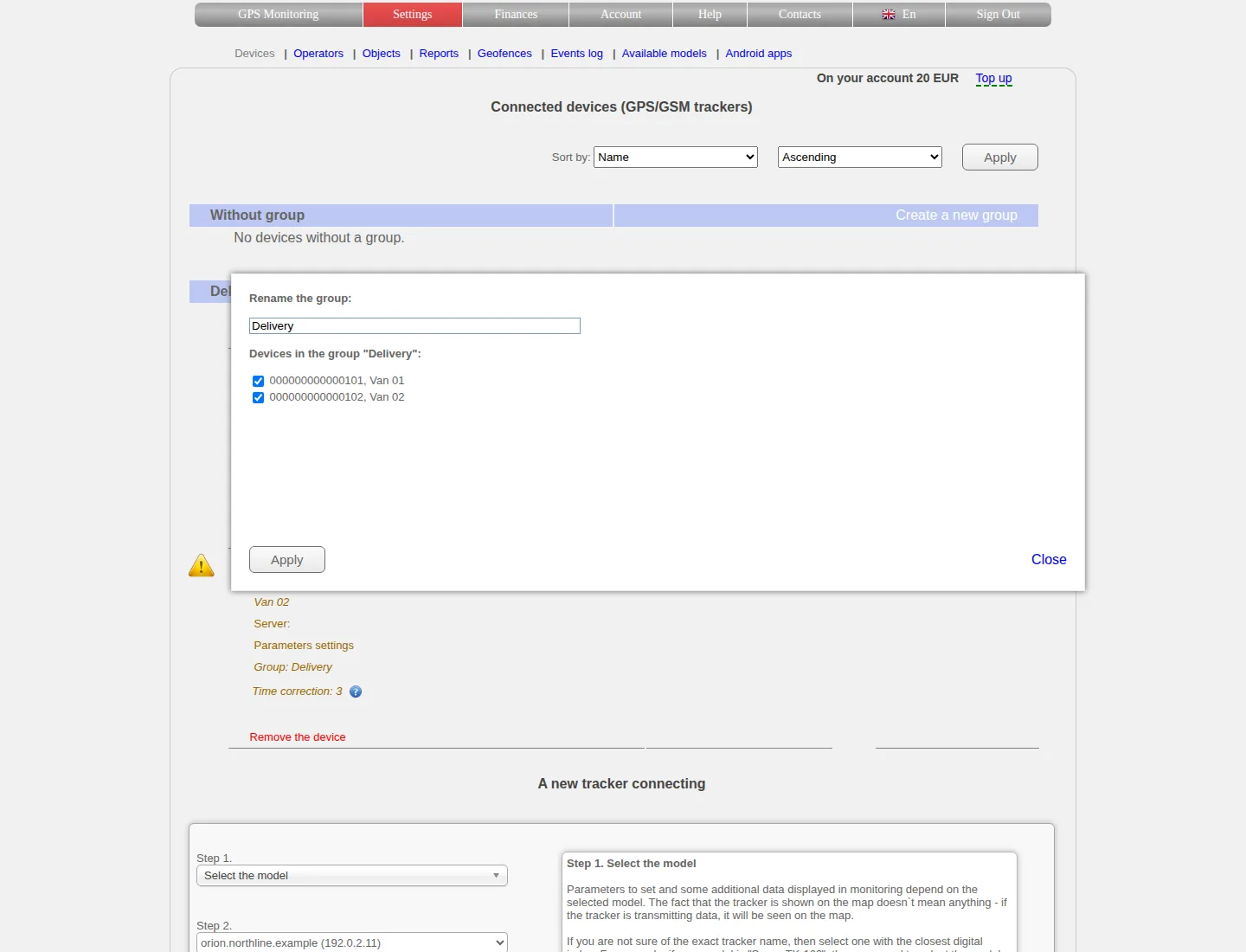
Device groups and sorting
Create and rename groups, move devices between them, understand list order and keep grouping separate from access permissions.